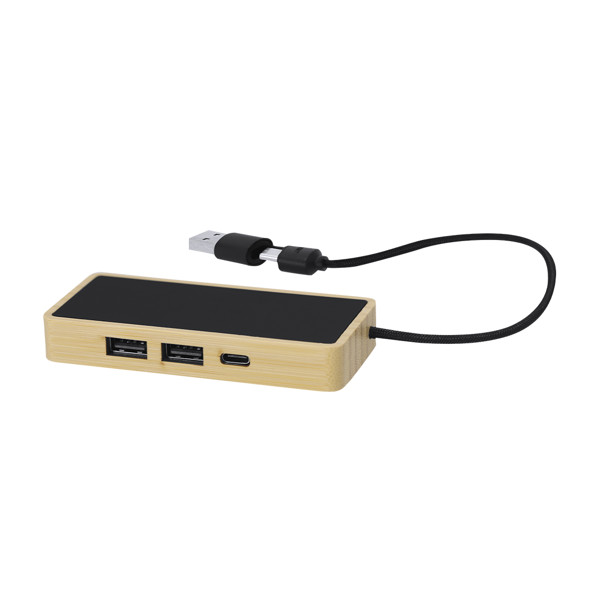
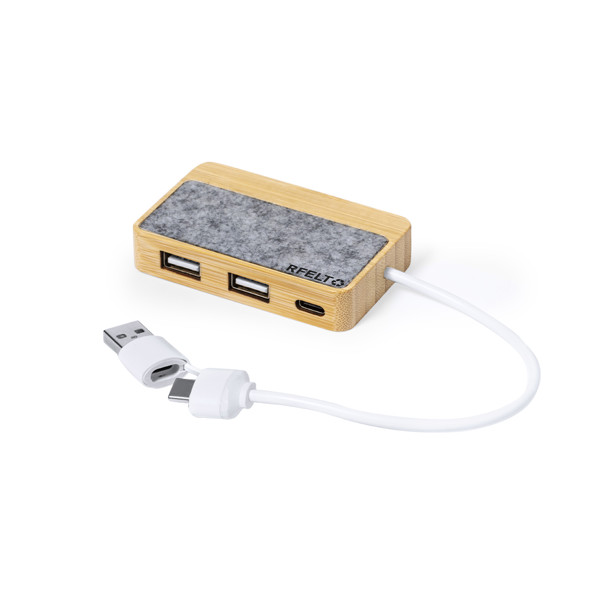
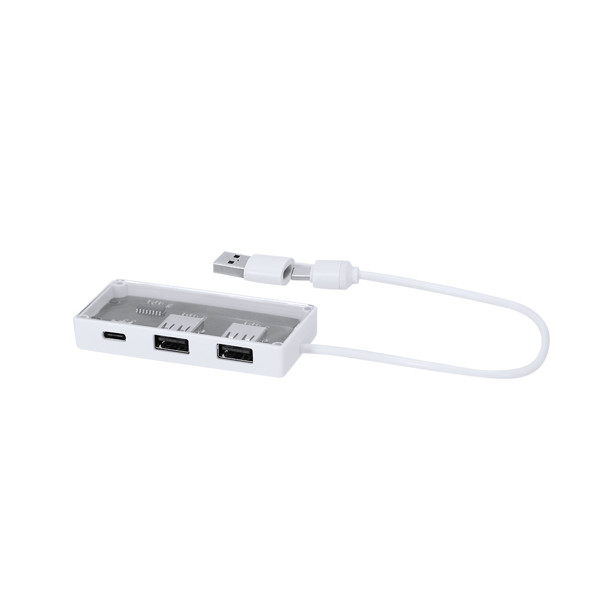
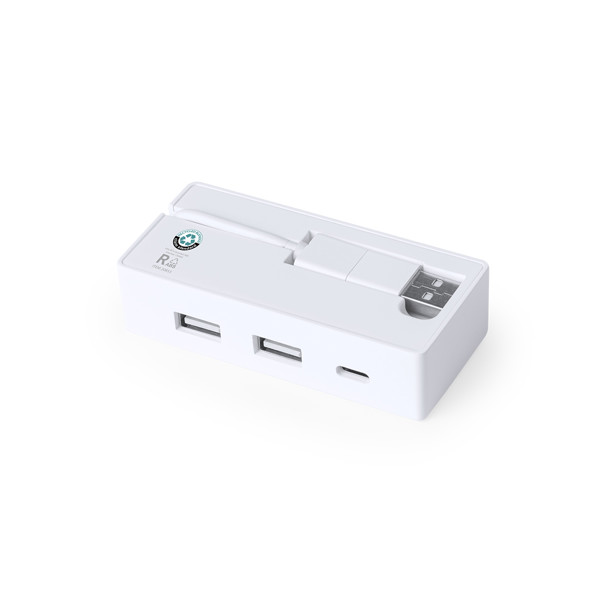
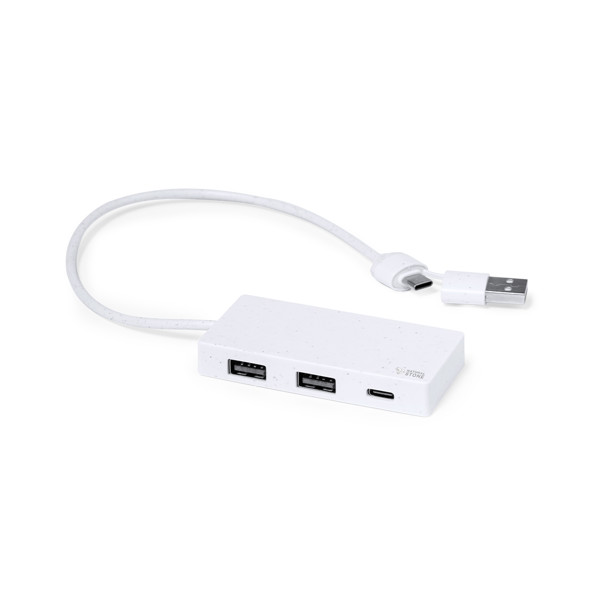
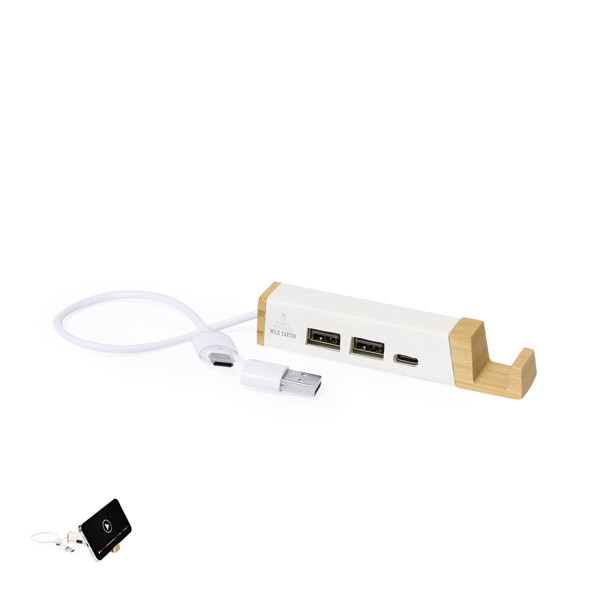
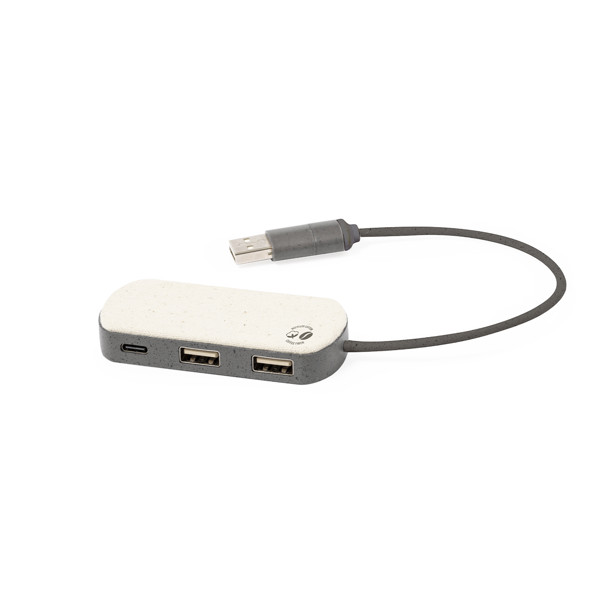
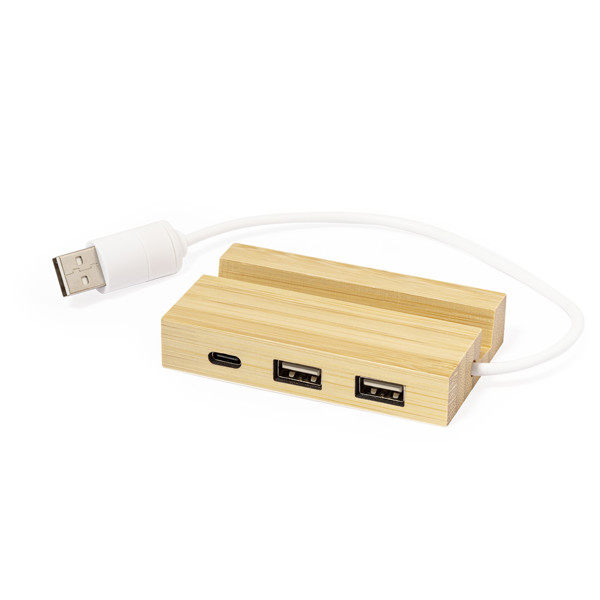
Laptops don't always have enough USB ports for everything you need. Once a mouse is connected and a USB drive is plugged in, there may be no space left for another device. A USB hub offers a practical solution. At Promo Souls, you'll find USB splitters in different shapes and materials, including bamboo, aluminium and plastic. Selected models also include smartphone holders. Many can be customised with your company logo, making them useful accessories for everyday work.
Read more
Which USB Hubs Are Available at Promo Souls?
The range includes simple USB splitters with several USB-A connections and models that also feature USB-C ports. Housing materials vary from traditional plastic and aluminium to bamboo and combinations incorporating recycled materials.
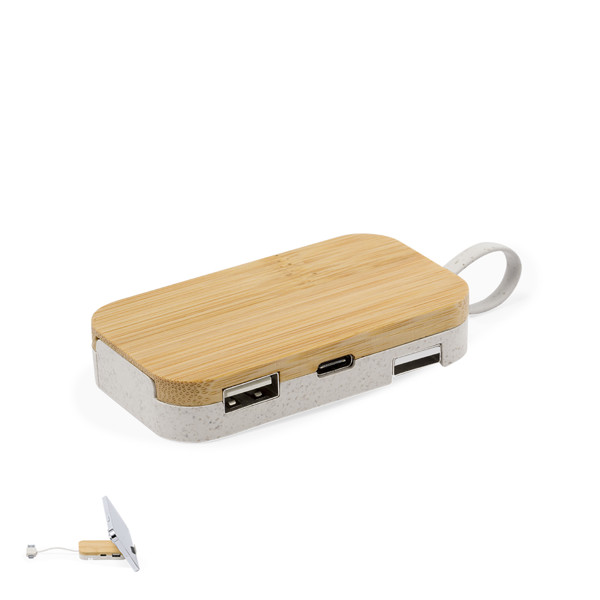
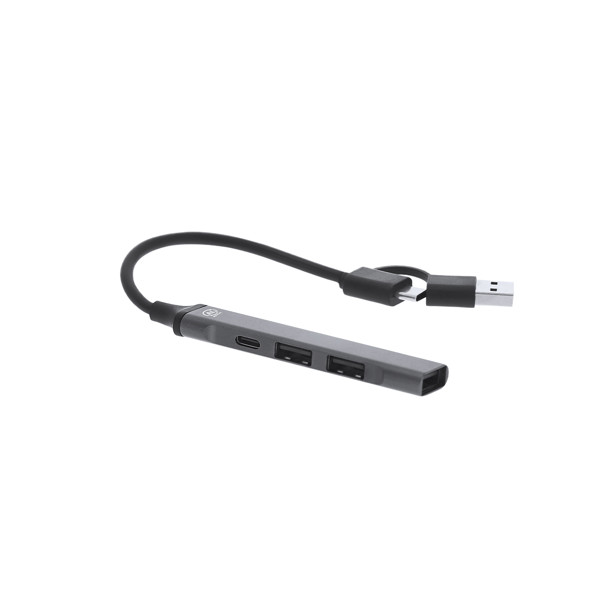
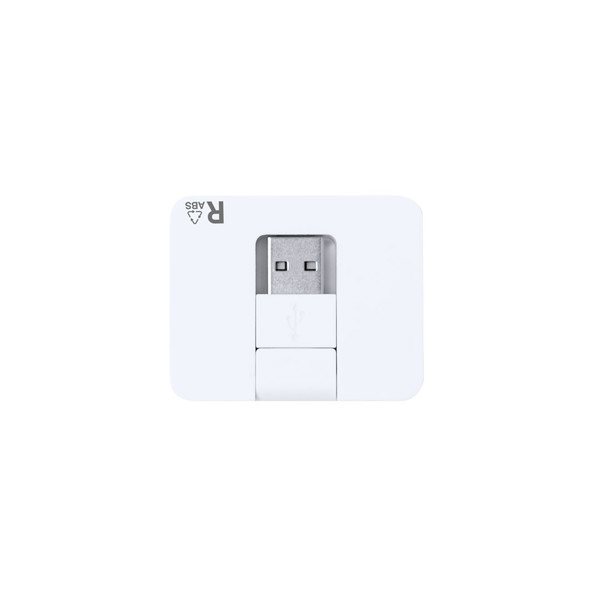
Weeper has a two-tone aluminium body and four USB 2.0 ports. Niyel offers four USB 2.0 ports in a compact, rounded design. Cirzo combines a bamboo housing with one USB-C port, two USB-A ports and a holder for a smartphone or tablet.
Other options include the Kalat hub made from recycled aluminium and models with different combinations of connectors. This gives you a choice of sizes, materials and functions for different desk setups.
Custom Printed USB Hubs with Your Company Logo
A USB hub often sits close to a laptop, making it a practical place for a small company logo. The available printing method depends on the housing material and the designated branding area.
Niyel supports pad printing with up to four colours and full-colour digital printing. The confirmed branding areas range from 25 × 20 mm to 40 × 40 mm, depending on the selected method. This allows suitable designs ranging from simple lettering to more detailed multicolour artwork.
Cirzo can be personalised through pad printing, digital printing or laser engraving. Its maximum confirmed branding area measures 65 × 20 mm. Engraving marks a compatible material surface directly, while printing methods allow coloured logos and graphics.
For the aluminium Weeper hub, the shop lists pad printing and a technique labelled Laserdruck, both limited to one colour and an area of 70 × 10 mm. Available branding options must always be checked for the specific product.
Understanding USB-A, USB-C and USB 2.0
USB-A is the familiar rectangular connection used by many computer mice, keyboards and USB drives. USB-C has a smaller, reversible connector that is common on newer devices.
The connector shape alone doesn't determine data transfer speed. Many hubs in this category use USB 2.0, which is suitable for a range of everyday peripherals but may not provide the performance needed for transferring particularly large files quickly.
Before choosing a hub, check the number of ports, supported USB standard and connection to the host computer. A USB-C port also doesn't automatically guarantee fast charging, video output or every feature associated with other USB-C devices.
USB Hubs Made from Bamboo, Aluminium and Recycled Materials
Bamboo gives a USB hub a warm, natural-looking surface. Aluminium offers a more technical appearance, while plastic allows different shapes and colours.
The range also includes models featuring recycled aluminium, recycled plastic and combinations with RPET felt. These material details can help when comparing products, although they don't establish the overall environmental impact of the finished accessory.
Where Are USB Hubs Useful in Business?
Management consultants often work with laptops across different locations. A compact USB hub can provide connections for a mouse, keyboard or USB drive. Technical testing facilities and training rooms may also use several compatible USB devices at the same workstation.
Event control desks sometimes need extra ports for input devices and other basic peripherals. Video production businesses, however, should pay particular attention to transfer speeds. A USB 2.0 hub is generally not the right choice for moving large video files efficiently.
Branded USB hubs may be included in equipment packs for new employees or combined with other practical technology accessories. The most useful choice is one that matches the devices people actually use.
What Should You Check Before Ordering?
Start by counting the ports you need and checking which connector types your devices use. Look at the hub's connection cable and confirm that it works with the intended computer.
Next, compare dimensions, materials and additional features. A built-in smartphone holder may be helpful on a small desk, while a more compact hub could be easier to carry.
Finally, consider the branding area. A clear logo that fits the available space usually works better than artwork containing very small details. Review the colour options and printing methods for the selected model before ordering. That way, your USB hub can be both useful equipment and a well-designed branded accessory.
 Deutsch
 DKK
DKK